 By Joe Sale · Photographer & fine artist · Reviewed and updated October 2026
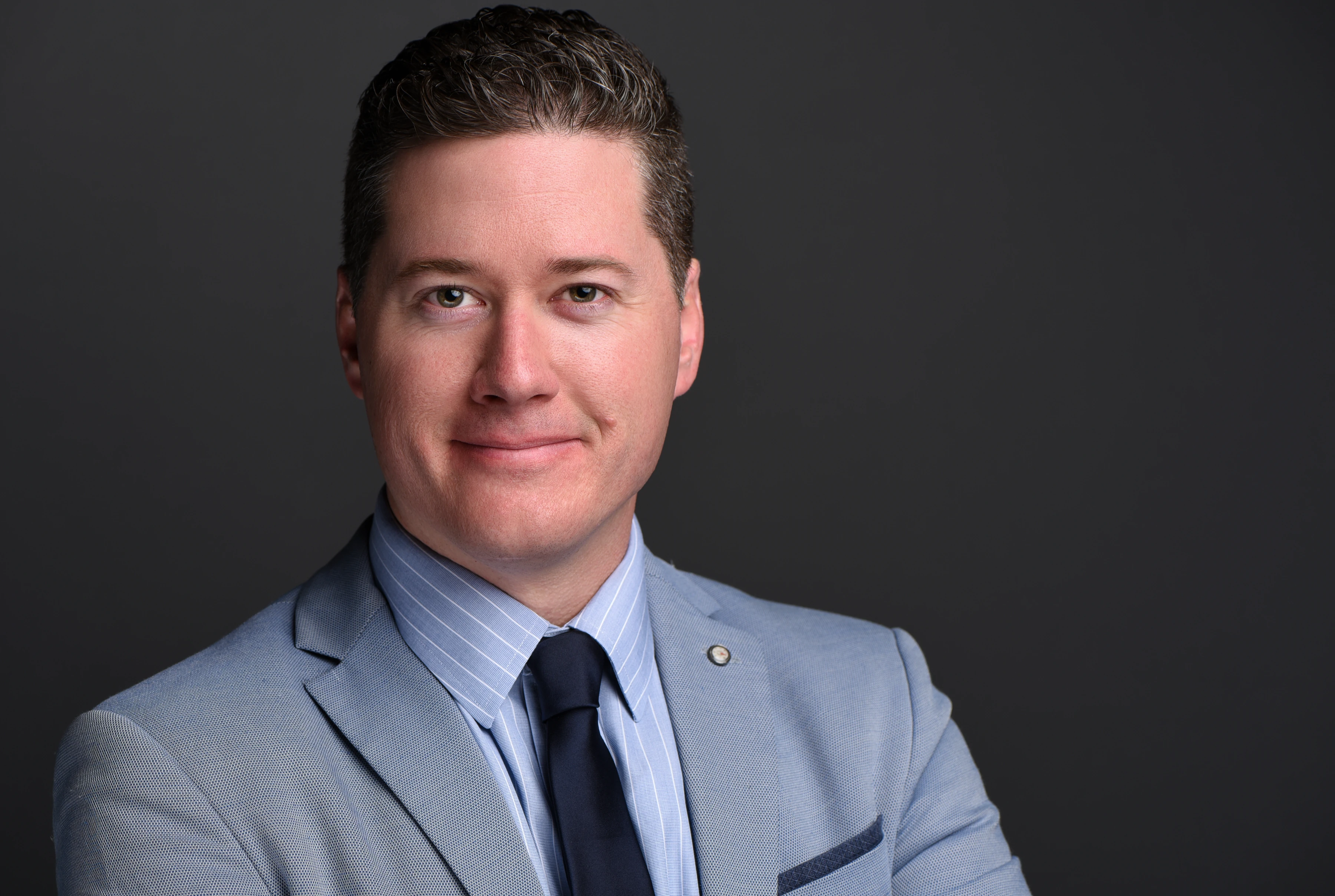
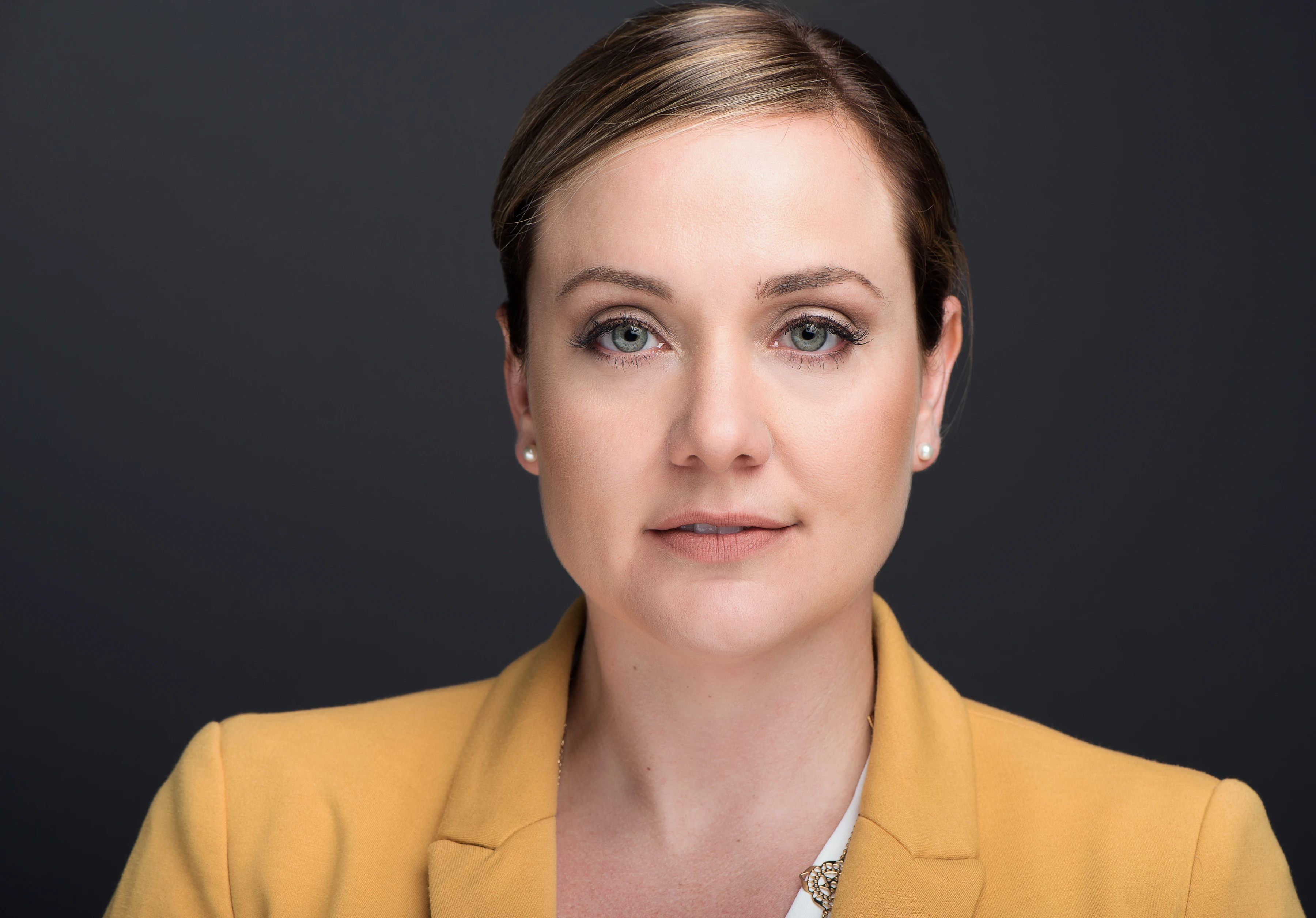
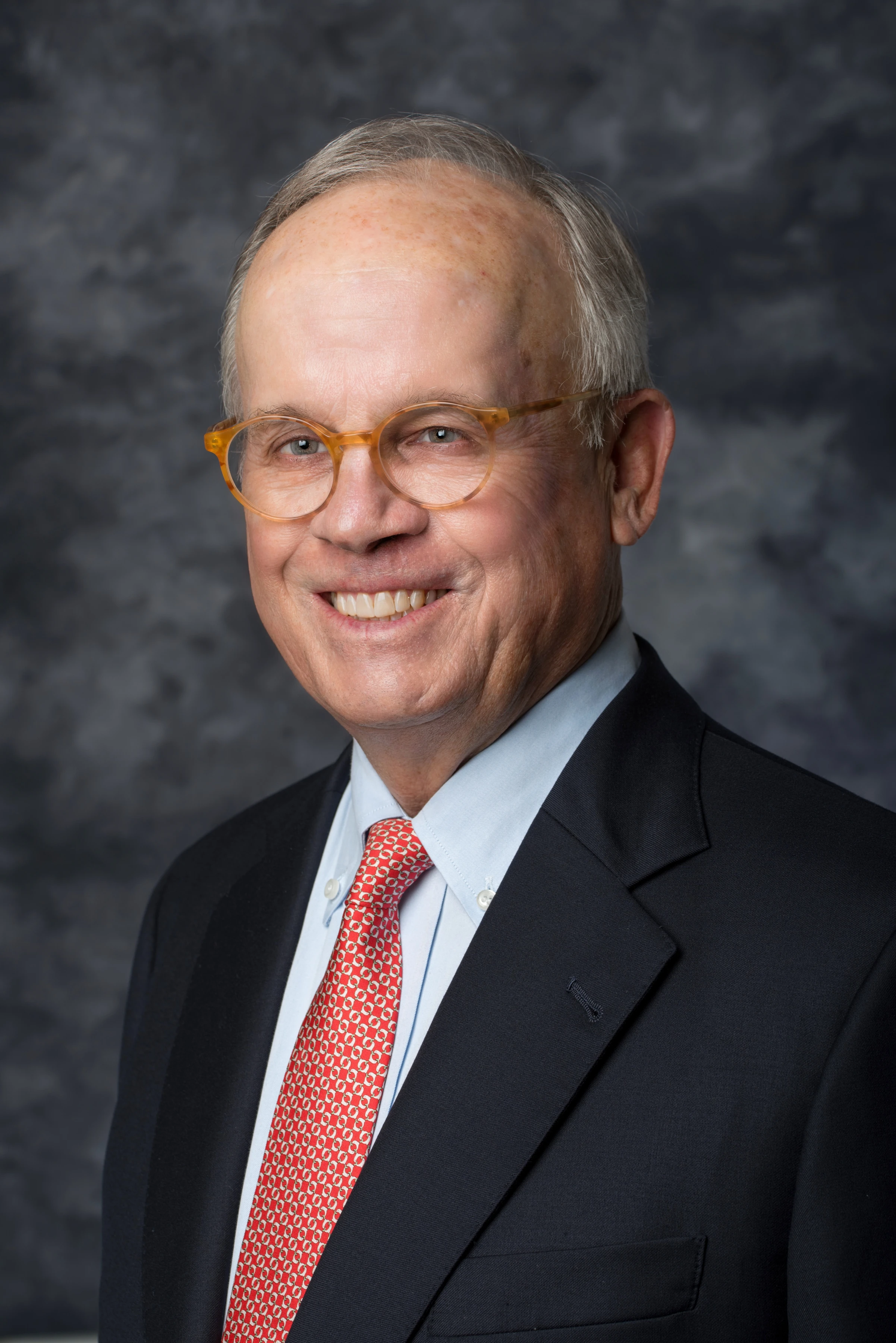
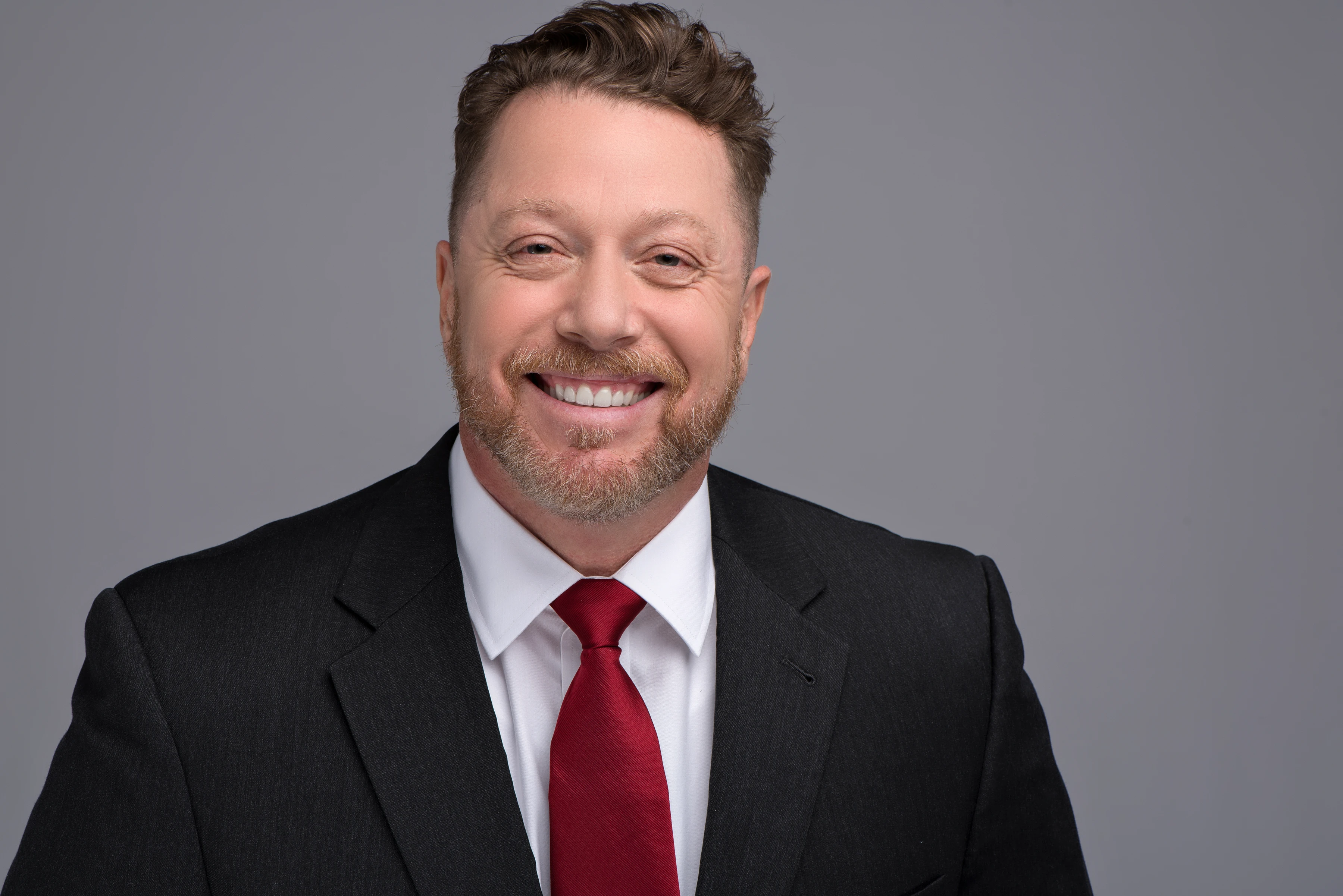
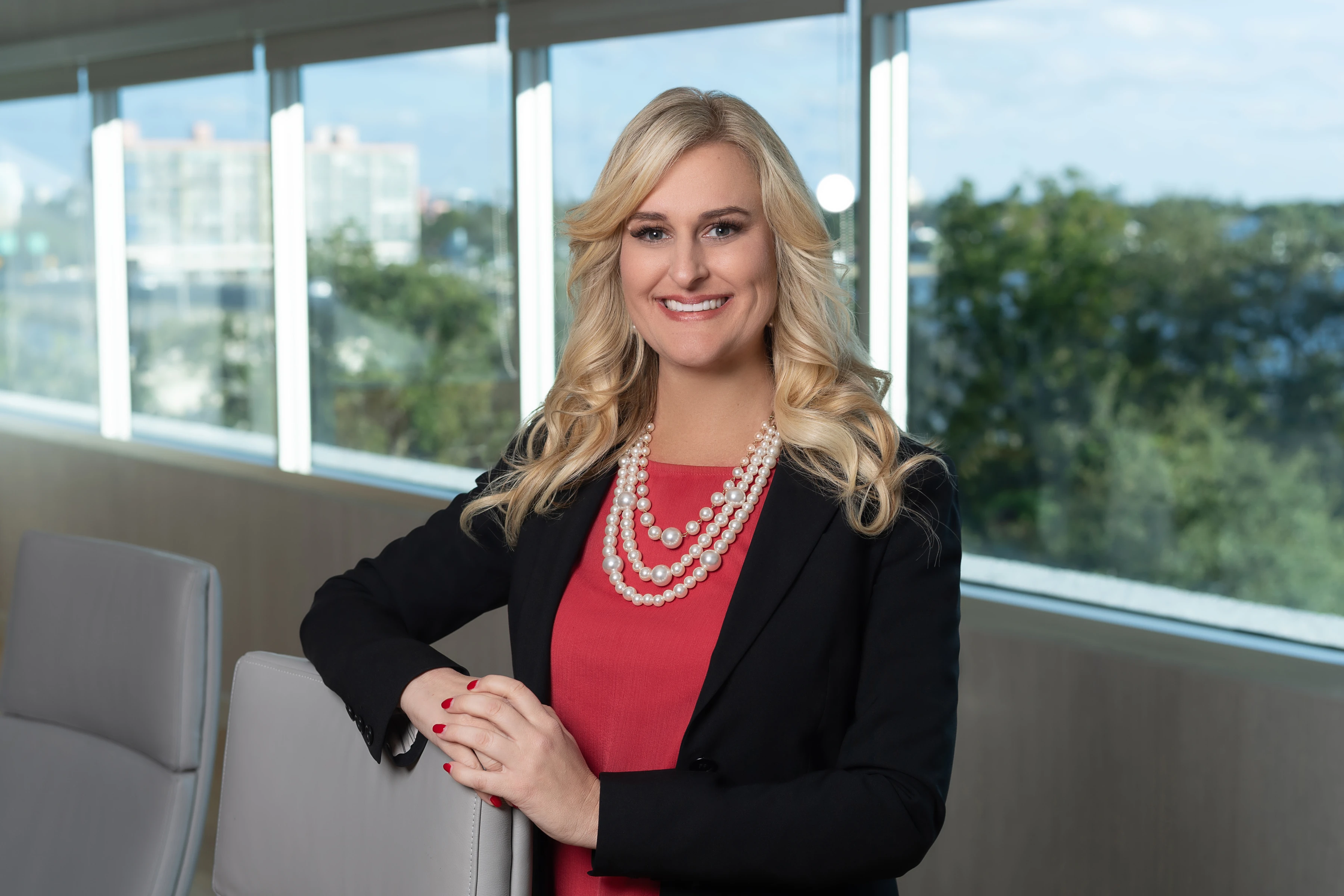
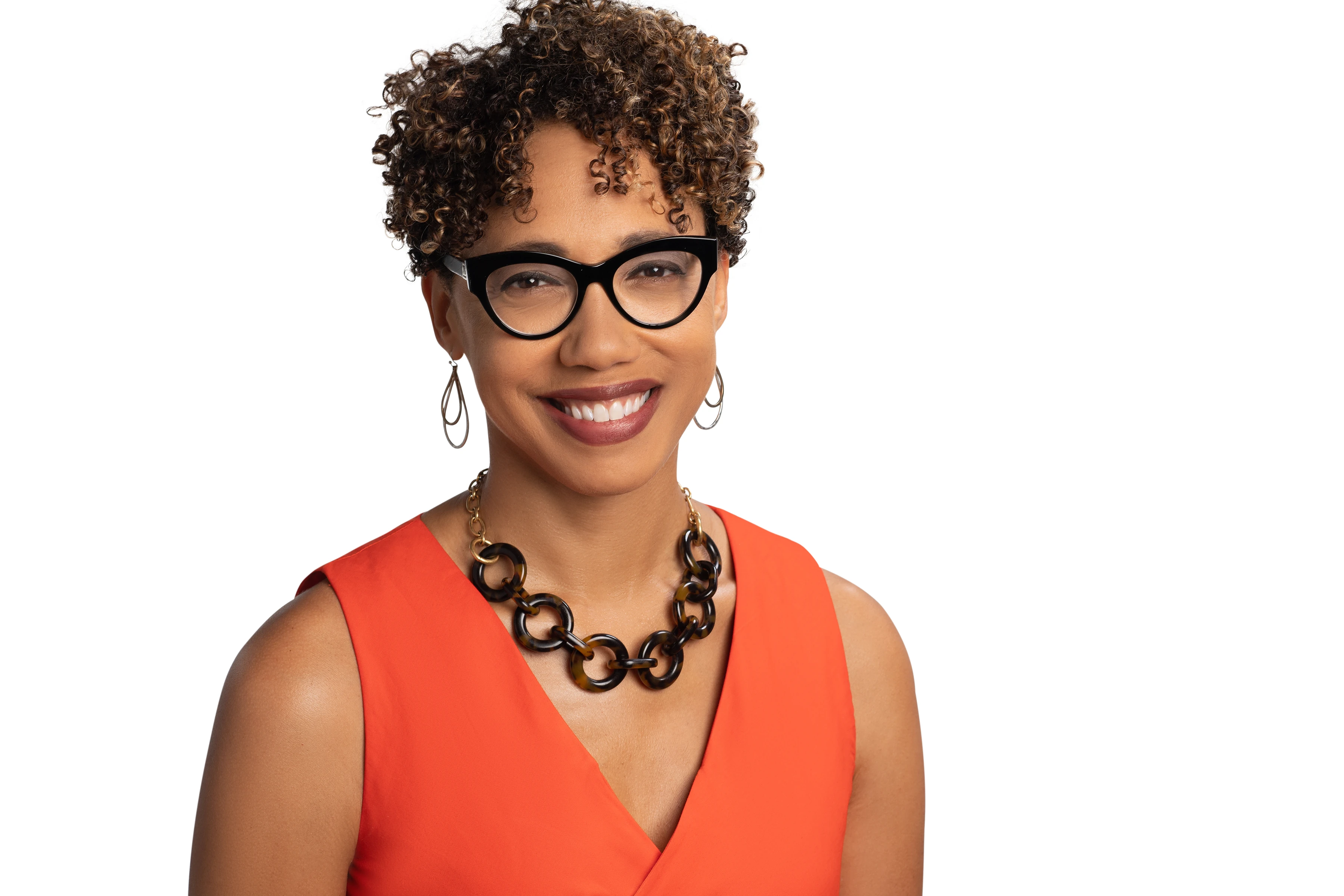
Corporate headshots Tampa companies put on their websites, proposals and LinkedIn pages usually go wrong in one of two ways: the photos look inconsistent, or the shoot swallows an entire workday. Joe Sale, whose Tampa Bay portfolio includes executive and board headshots, fixes both problems at once: his portable studio comes to you, and one locked look applies to every person who sits.
This page is written for the person organizing the shoot: the HR lead, the marketing manager, the office administrator who got handed the project. It covers how to plan the day, what to tell your staff, how Joe keeps dozens of faces looking like one set, and what happens after the last person steps off the mark. Dates can be held through the online booking form.
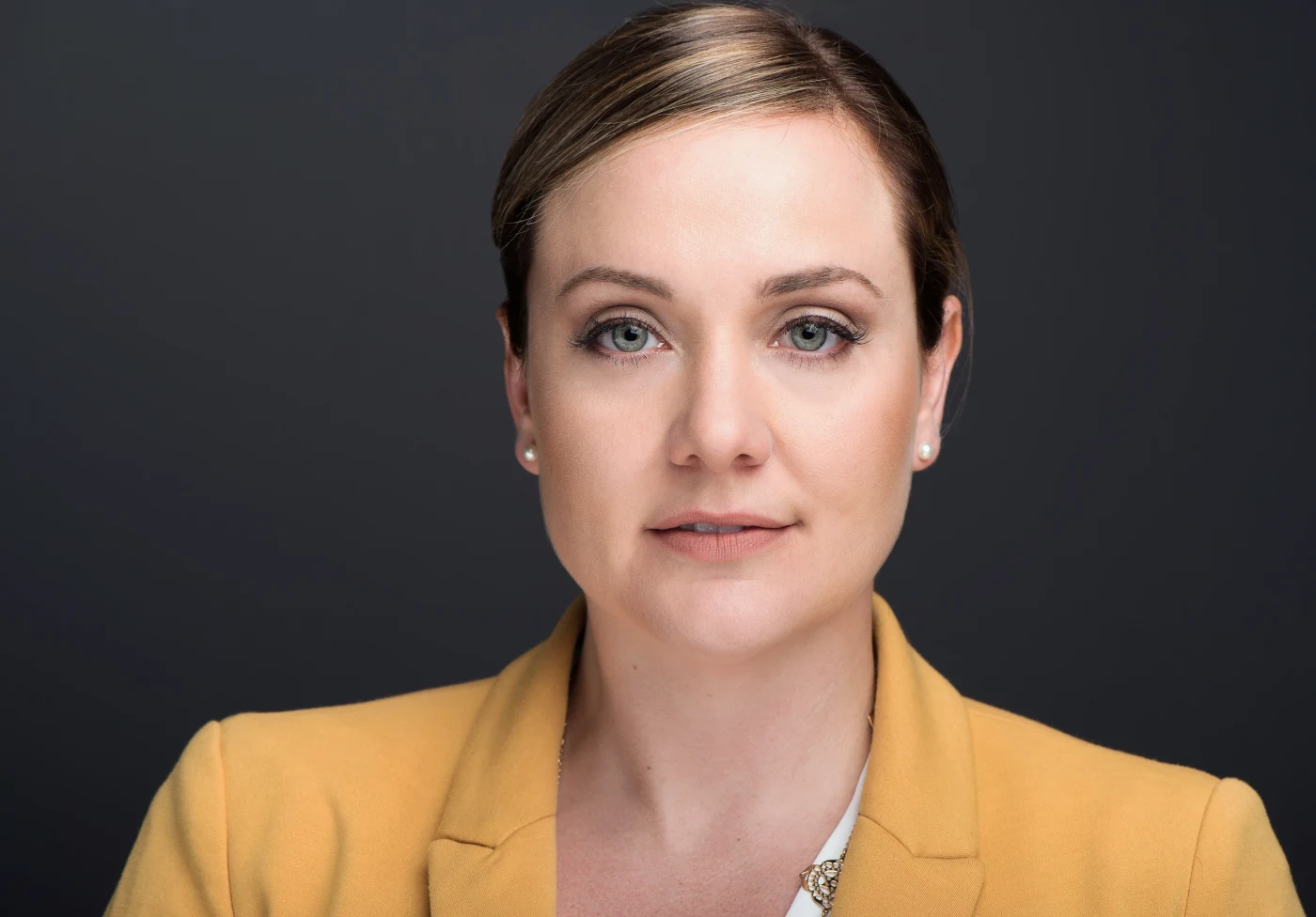
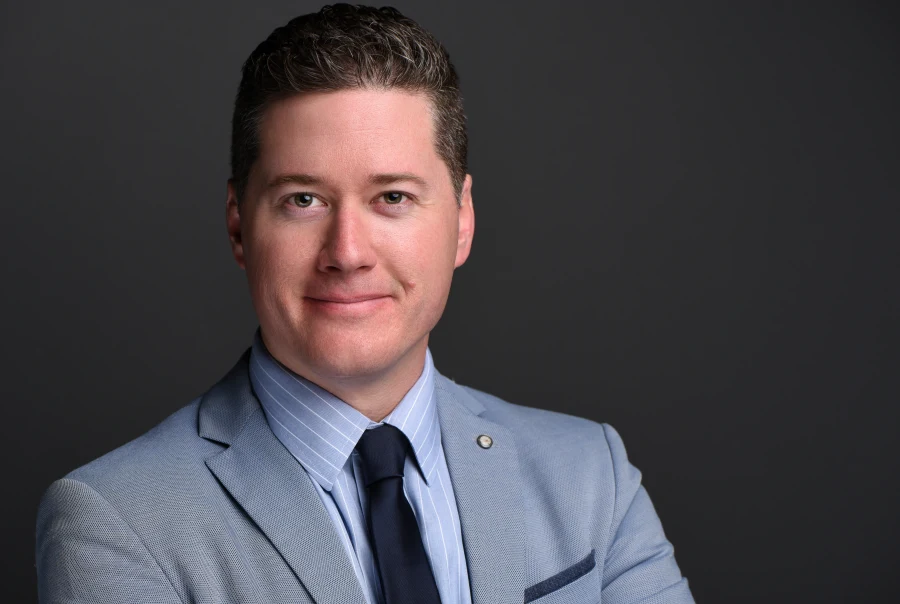
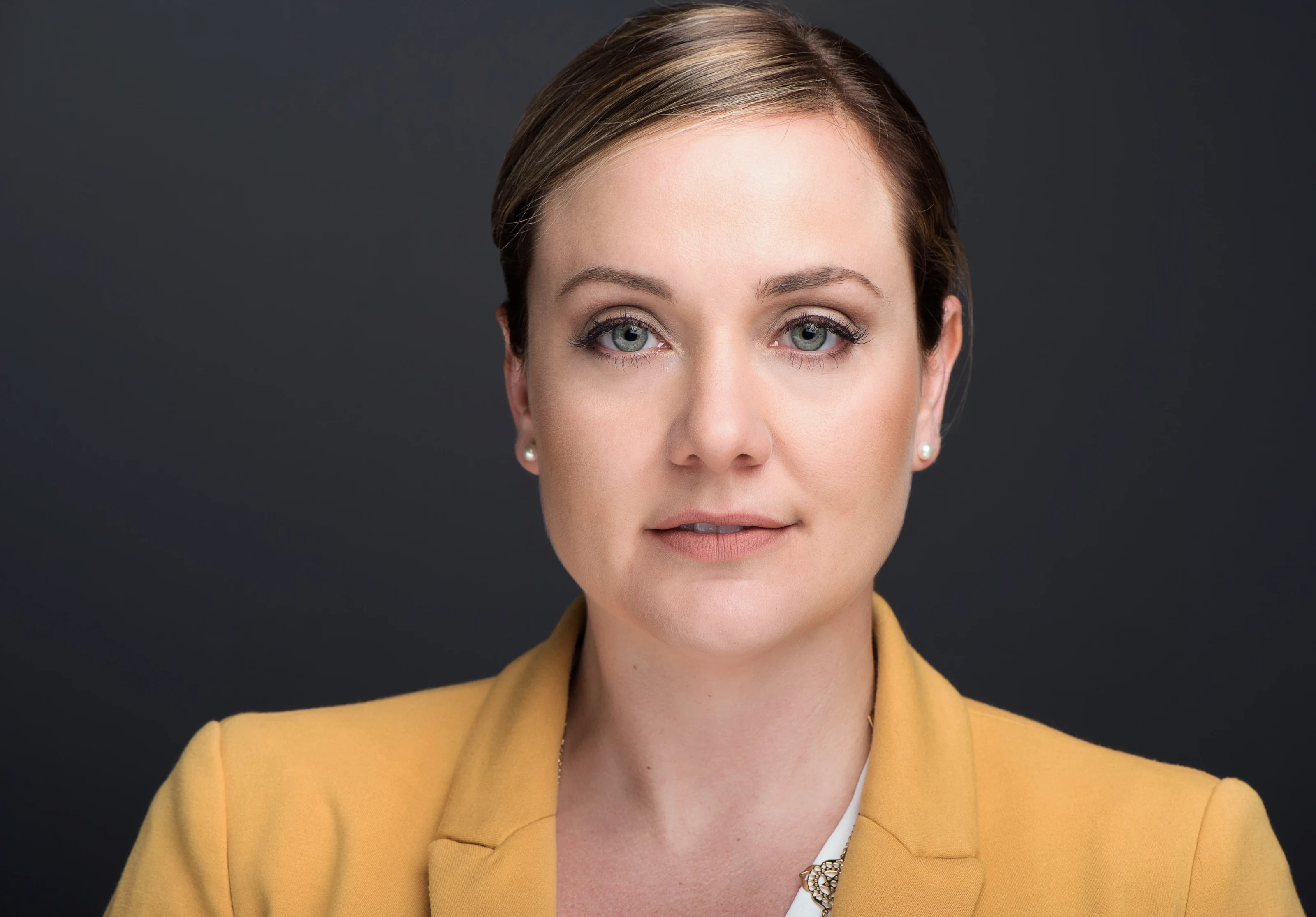
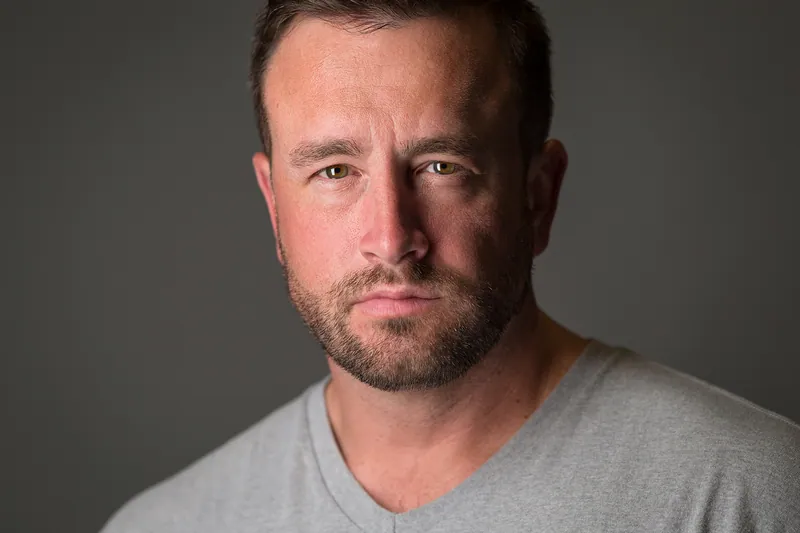
Joe Sale photographs corporate headshots in Tampa by setting up a portable studio inside your office, with identical lighting and background for every employee. Each person sits briefly, checks frames live on screen, and returns to work. Finished portraits are retouched by hand and handed over in a private gallery with web, social and print versions.
What a Team Headshot Has to Accomplish
A single headshot only has to flatter one person. A team set has a harder job: it has to make a group of different people look like they belong to the same organization, while still letting each personality come through. When one face is lit from the left against gray and the next is a cropped vacation photo, visitors notice, even if they cannot say why.
Think about every place these images will land before the shoot, because that list shapes the crop, the background and the expression you want:
- Team and leadership pages on your website, where faces sit side by side in a grid.
- Proposals and pitch decks, where a client is deciding whether to trust your people.
- LinkedIn and email signatures, viewed at thumbnail size on a phone.
- Press releases and conference programs, which may print the image large.
- Board and investor materials, where a formal, consistent look matters most.
Joe asks about these uses on the planning call. Knowing that one image will appear as a tiny circle and another as a half-page print changes how much space he leaves around the head and which lens he chooses.
Plenty of firms try to get by with a patchwork of phone photos, cropped event pictures and images from a previous job. Clients compare you against competitors with one click, and a mismatched team page quietly suggests a mismatched company. Well-made corporate headshots. Tampa buyers in professional services, healthcare, real estate and tech notice that difference long before they read your about page.
Planning Corporate Headshots: Tampa Office Checklist
Most of the work behind smooth corporate headshots happens before Joe arrives. Tampa offices vary from glass towers to converted warehouses, so a little preparation goes a long way. Use this list as your project plan:
- Book the planning call. Share headcount, the uses listed above, and any brand guidelines.
- Choose a room. Any conference room, or an open corner roomy enough for a backdrop plus some working distance, will do. Windows are fine; Joe controls light with strobes.
- Confirm building logistics. Parking, loading access, elevator rules and visitor badges are easy to sort out early and frustrating to discover on the day.
- Decide on one look. Background tone, crop and level of formality should be settled before anyone sits down.
- Build a sign-up schedule. Short time slots by department keep the line moving and keep teams from emptying out at once.
- Send the wardrobe memo. A short note a few days ahead prevents most problems.
- Plan for absences. Decide how you will handle people who are traveling or remote.
- Add a group photo if you need one. A team portrait takes separate setup, so schedule it at a natural break.
- Name a point person. One contact who can pull the next person from a meeting keeps the day on track.
Nine steps sounds like a lot, but most take minutes. The payoff is a shoot that feels effortless to everyone except the person who planned it, and even that person gets the morning back.
Choosing the Look Before Anyone Sits Down
Consistency comes from decisions made once and then held all day. Joe walks through these with you during the planning call and sets the equipment to match:
| Decision | Common options | What to weigh |
|---|---|---|
| Background | Seamless studio backdrop, or an office environment softened behind the subject | Backdrops age well and match easily; environments feel warmer but are harder to repeat |
| Crop | Tight head and shoulders, or a looser waist-up frame | Website grids favor one crop for everyone; looser frames give designers room |
| Orientation | Vertical, horizontal, or both | Horizontal versions help with web banners and speaker slides |
| Expression | Warm and approachable, or composed and serious | Client-facing roles often lean warm; board pages often lean composed |
| Light | Even and bright, or more shaped with shadow | Even light flatters more people; shaped light adds drama for leadership |
The technical side, briefly
For office headshots Joe's strobes usually run near f/9, 1/125s and ISO 100. At those settings the overhead fluorescents simply stop mattering, focus holds across the whole face, and the files stay clean under retouching. He favors his 85mm f/1.4 and 105mm f/2.8 here because longer focal lengths keep noses, jaws and foreheads in honest proportion.
Studio backdrop or office setting?
A seamless backdrop is the safest choice for most teams because it is repeatable anywhere: in your conference room, at Joe's studio, or at a satellite office next year. An office setting, softened with a long lens so it reads as color and shape rather than clutter, feels more personal but ties every future photo to that exact room. For corporate headshots Tampa firms expect to update often, the backdrop usually wins. For a small leadership team that rarely changes, the environment can be worth it.
Once these settings are locked, they stay locked. Camera height, light position and distance are marked so the first person of the day and the last person of the day match.
Day-of Flow for Corporate Headshots, Tampa Edition
Joe arrives early enough to build the set, test the light and check color before the first person walks in. After that, the day runs on a simple loop that keeps each employee away from their desk for as little time as possible.
Live review at the screen
Every frame appears on a screen beside the camera as it is taken. People see their own expressions in real time, which is the fastest way to get past nervous smiles. Most people relax the moment they see a frame they like, and the best images usually come right after that.
Coaching expression, not just posture
Good posture is easy to direct. Natural expression takes conversation. Joe talks people through small adjustments, chin slightly forward, shoulders angled, eyes relaxed, while keeping the mood light enough that the smile reaches the eyes. For people who dislike being photographed, that coaching matters more than any light.
Picking favorites on the spot
Because everyone watches the screen, many people can flag a favorite before they leave the room. That saves rounds of email later and gives HR or marketing a clear list for retouching.
That loop is the reason corporate headshots Tampa offices schedule with Joe rarely spill into the afternoon meetings people had planned. The process stays the same for a team of six or a full floor.
Handling the camera-shy
Every office has a few people who would rather do almost anything than have their picture taken. Joe schedules them mid-session, once the set is warm and the line has a relaxed rhythm, and keeps the conversation going so the camera fades into the background. Showing them a good frame early on the screen does more to change their mind than any amount of reassurance.
Good local references while you plan: the City of Tampa website covers parks, public spaces and event calendars in Tampa, and Joe watches the National Weather Service Tampa Bay forecast to time outdoor sessions around summer storms and the best light.
A Wardrobe Memo You Can Forward to Your Team
Wardrobe guidance is part of Joe's process, and most of it fits in a short email. Copy and adapt these points for your staff:
- Solid colors photograph best. Fine stripes, small checks and busy patterns can shimmer on screens.
- Mid tones and deep colors flatter most people. Navy, charcoal, deep green and burgundy sit well against neutral backdrops.
- Follow the company's real dress code. The photo should look like the person a client will actually meet.
- Bring a second top or jacket. Having an option lets Joe pick what works best with the background.
- Glasses are welcome. Wear them if you wear them daily; lights are positioned to manage reflections.
- Skip brand-new haircuts the day before. A week of settling usually looks more natural.
- Hydrate and sleep. Retouching cleans up blemishes, but rested eyes come from you.
If your company has brand colors, mention them on the planning call. Joe can suggest a background tone that complements them so the finished corporate headshots sit comfortably on the website you already have.
Just as useful is telling people what they do not need to worry about. Minor blemishes, flyaway hairs and a little shine get handled in retouching, which Joe does by hand while keeping real skin texture. Nobody needs a professional makeup artist for corporate headshots. Tampa humidity is a fair concern for anyone walking in from a parking garage in August, so suggest people arrive a few minutes early to cool down before their slot.
Executives, Boards and Leadership Pages
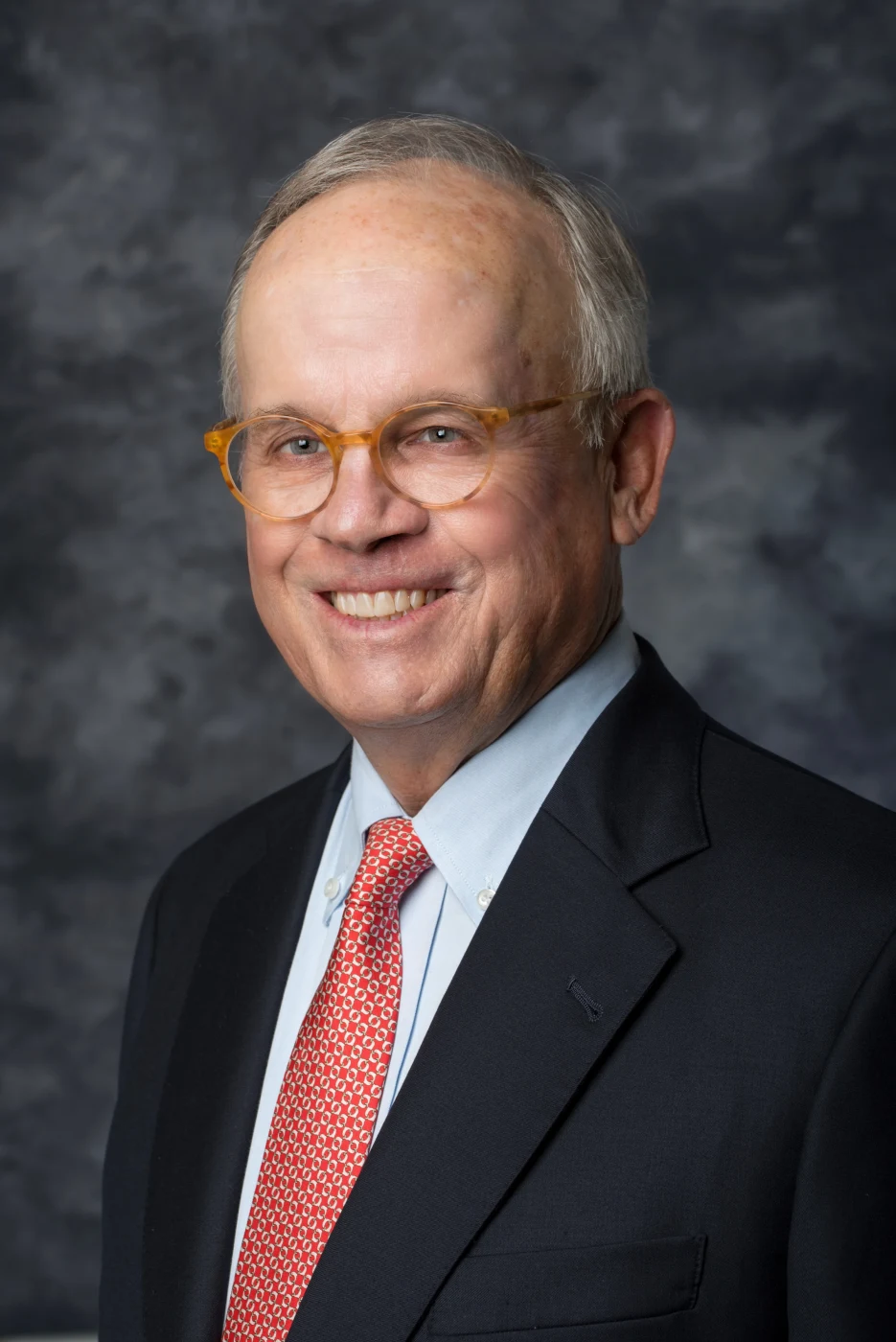
Executive and board headshots carry extra weight. They appear in annual reports, investor materials and press coverage, and they are often viewed side by side with peers at other firms. Joe has photographed executives and board members, and the approach shifts slightly for this group.
Leaders often get a little more time and a second look: the standard team headshot for consistency, plus a more shaped variation with deeper shadow for speaking engagements and media kits. Some prefer an environmental portrait in a boardroom or near a window with the city behind them, which a 70-200mm f/2.8 can compress into a soft, recognizable backdrop.
Board composites raise a practical challenge: members are rarely in the same room on the same day. Joe records his settings so that directors photographed months apart, or at his studio instead of the office, still match. For individual leaders who want a broader personal brand shoot, the Tampa headshot photographer page explains those sessions in more depth.
Senior leaders also tend to have the least flexible calendars. Joe can work around that by scheduling executives first thing, before meetings start, or by setting aside a block at the end of the day. Treating leadership time carefully is a small courtesy that makes corporate headshots Tampa executives sit for feel like time well spent rather than an interruption.
Matching New Hires and Remote Staff Later
The real test of corporate headshots comes six months after the shoot, when three new people join and their photos need to sit in the same grid. Joe keeps notes on background, light placement and crop for every team he photographs, so additions can be shot to match.
New hires can come to Joe's Tampa photography studio, where the same backdrop and lighting can be recreated, or be added during a return visit to your office. Remote employees who travel to Tampa for meetings can book a short slot while they are in town. People who only need a quick profile refresh can look at LinkedIn headshots in Tampa as an individual option.
Planning for this from the start is one of the smartest moves you can make with corporate headshots. Tampa companies that grow quickly save themselves a full reshoot every time the org chart changes.
The same notes help after a rebrand. If your company changes colors or moves to a new website, Joe can review the original setup and suggest whether a new background tone is needed or whether the existing set still fits. Sometimes the answer is that only leadership needs updating, which keeps the project small. Treat corporate headshots for a Tampa team as a living library, not a one-time event, and the library stays useful for years.
Tampa Offices From Westshore to Water Street
Tampa's business districts each bring their own logistics. Westshore towers often have structured parking and loading docks; downtown and Water Street Tampa buildings may require visitor registration and elevator reservations; Ybor City and Channel District creative offices tend to have character but less room. Joe plans the portable setup around the space you have rather than asking you to clear a floor.
Many companies in the region have more than one office, with teams in Tampa, St. Petersburg or Clearwater. Because the setup is portable and the settings are recorded, Joe can photograph each location on a different day and still deliver one matching set. That flexibility is a big reason organizations choose on-site corporate headshots. Tampa Bay traffic makes it unrealistic to bring every employee to one building on the same morning.
The same visit can include more than headshots. Many teams add a group portrait, candid images of people at work for the careers page, or detail shots of the office itself. Those overlap with Joe's corporate and team portrait service and his commercial photography in Tampa, so you can cover several needs with one booking.
If your company also hosts conferences, launches or client events, the Tampa event photographer page covers that work, and the broader photographer in Tampa page shows everything Joe offers in the city. To schedule corporate headshots, Tampa teams can hold a date through Joe's booking form or reach him by phone or text at 813-417-2626.
Corporate Headshots Tampa: Frequently Asked Questions
How long does each employee need for a corporate headshot?
Each person is usually in front of the camera for just a few minutes, because the lighting and background are set before the first session and stay fixed all day. Live on-screen review speeds things up, since people can see a frame they like and confirm it before leaving. Leaders who want an extra variation can be scheduled a slightly longer slot, which keeps corporate headshots Tampa teams sit for efficient.
Can new employees be photographed later to match the team?
Yes. Joe records the background, light positions and crop used for your team, so new hires can be photographed to match, either at his Tampa Bay studio or during a later office visit. Planning for this from the start keeps your website grid consistent as the company grows, without reshooting everyone each time someone joins.
What do we need to provide for an on-site headshot day?
Just three things: floor space for the backdrop and camera, a couple of power outlets, and one coordinator who keeps people arriving on time. It also helps to confirm parking, loading access and visitor rules for your building ahead of time. Joe brings the lights, backdrop, camera and review screen.
Do employees get to choose their own headshot?
They can. Because every frame appears on a screen during the session, people often pick a favorite before they leave the room. If your company prefers that marketing or HR makes the final choice for consistency, Joe can follow that approach instead. Either way, selected images are hand retouched and delivered in a private online gallery.
Can Joe take a group team photo during the same visit?
Yes. A group portrait can be added to a headshot day, usually scheduled at a natural break such as before lunch or at the end of the day when everyone is already in the office. It needs its own setup and enough space for the group, so mention it on the planning call so the timing and location can be worked out.
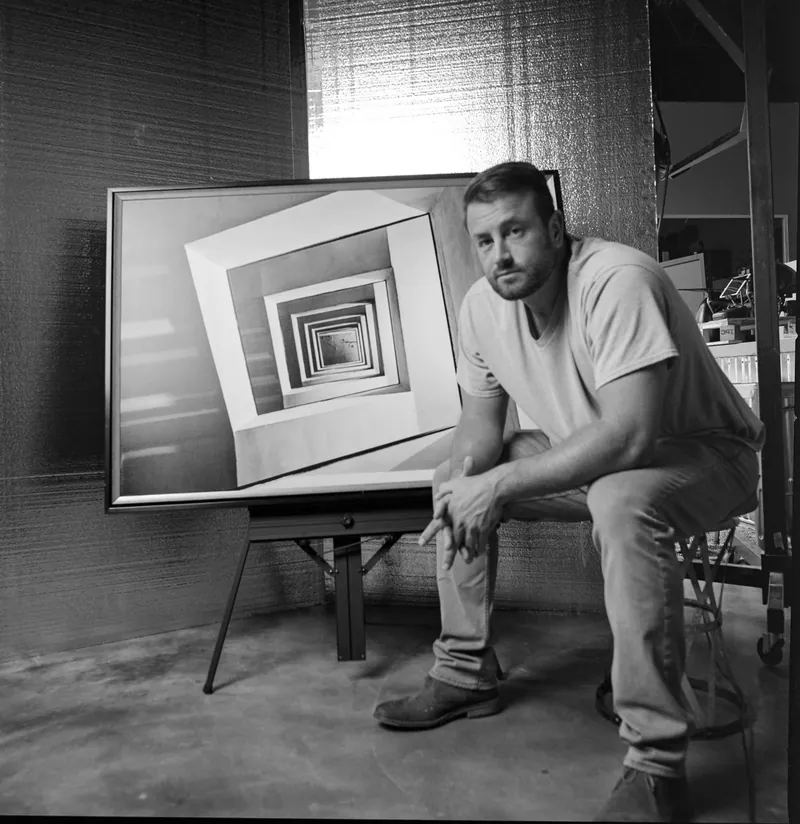
About Joe SaleJoe is a Tampa Bay photographer and fine artist who shoots portraits, live music, brands and the city itself. See more on the about page, browse the portfolio or book a shoot.