
 By Joe Sale · Photographer & fine artist · Reviewed and updated October 2026
LinkedIn headshots Tampa professionals use have one strange job: they need to read clearly inside a small circle on a phone screen, next to dozens of other faces in a search result. Joe Sale, a Tampa Bay photographer who shoots headshots in his own studio and on location, plans every frame around that circle rather than around a print on a wall.
This page works like a checklist. It covers how the crop behaves, what to wear for your field, where to shoot in Tampa and how to use the files once you have them. When you are ready, you can pick a session time or text Joe at 813-417-2626.
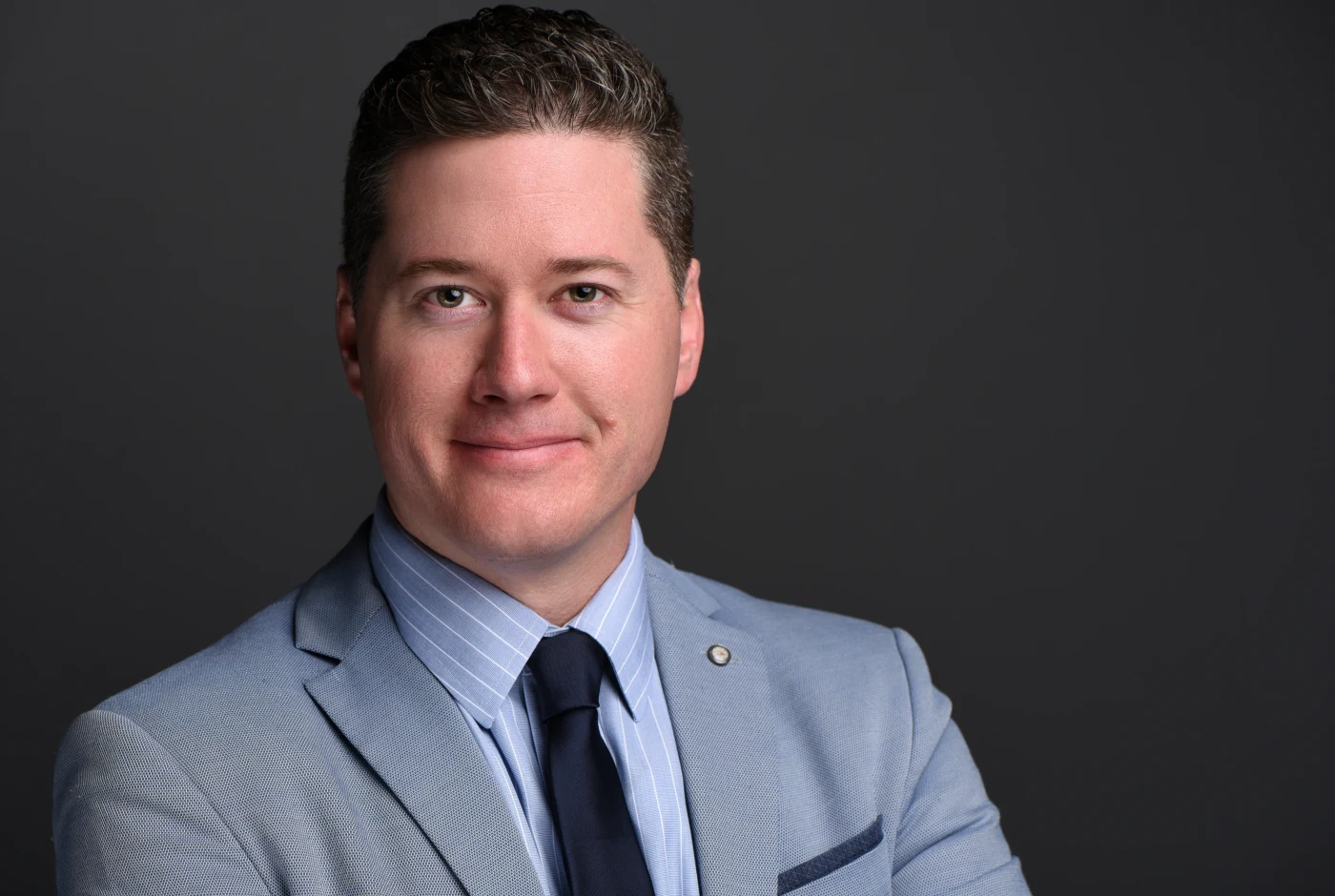
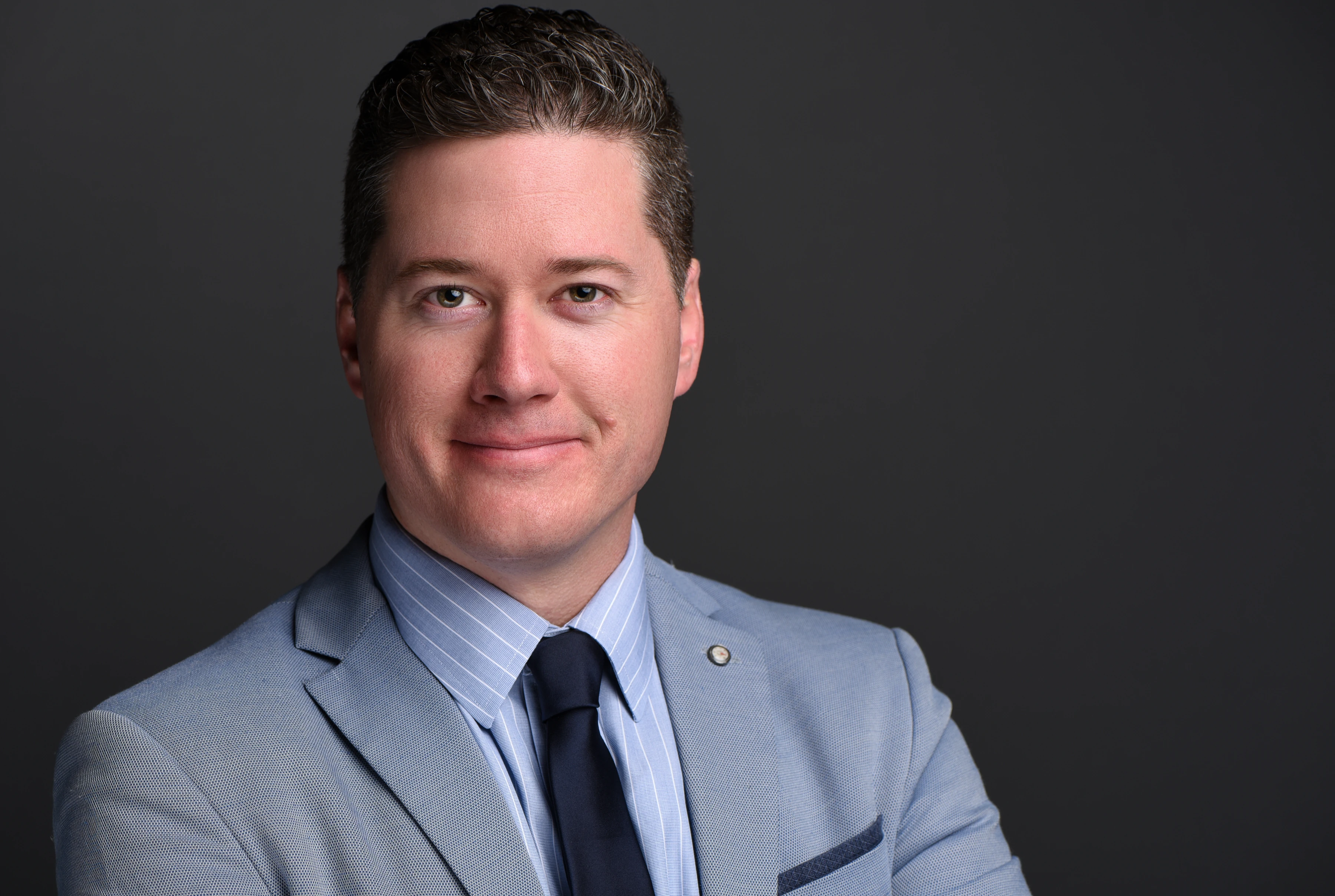
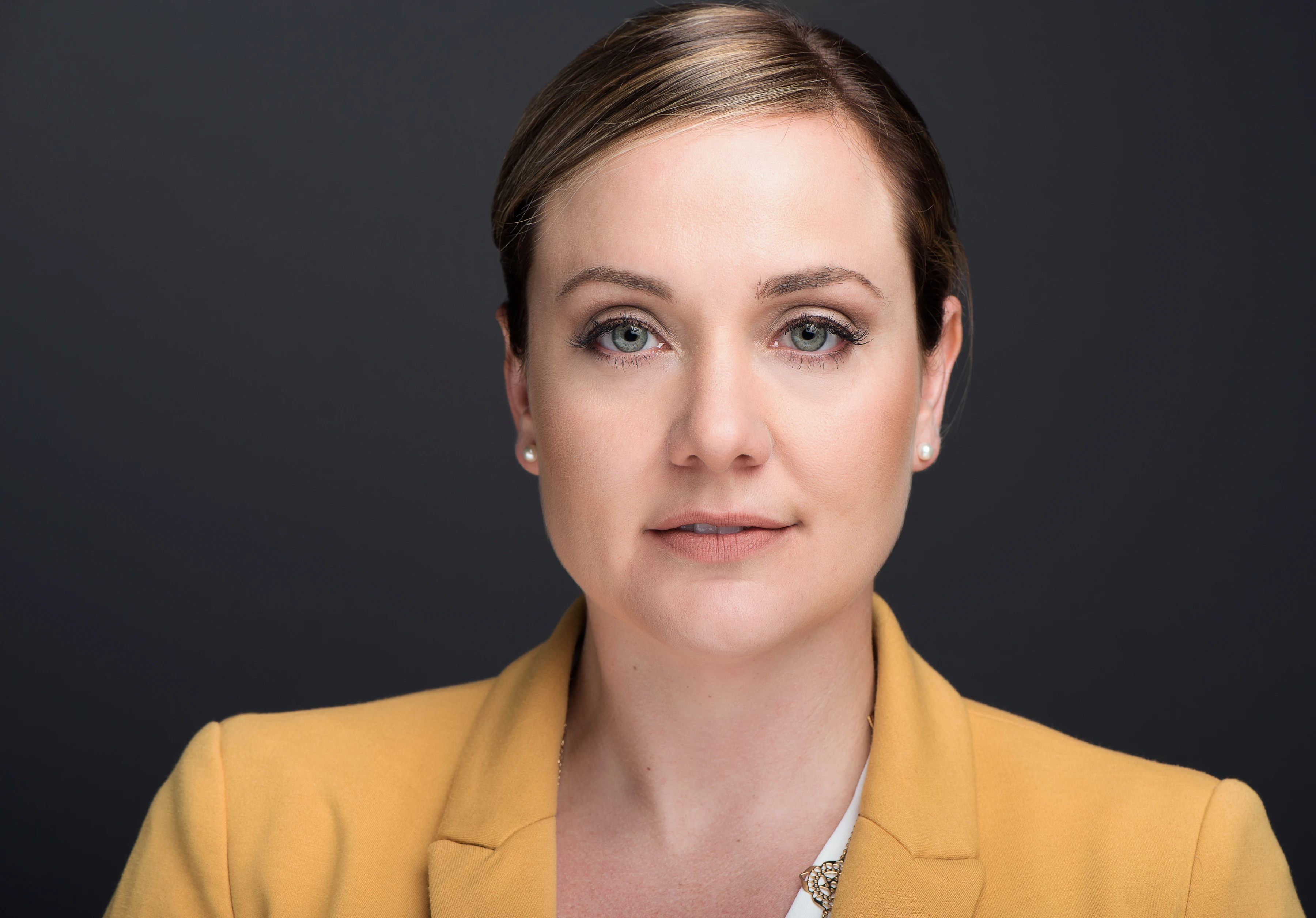
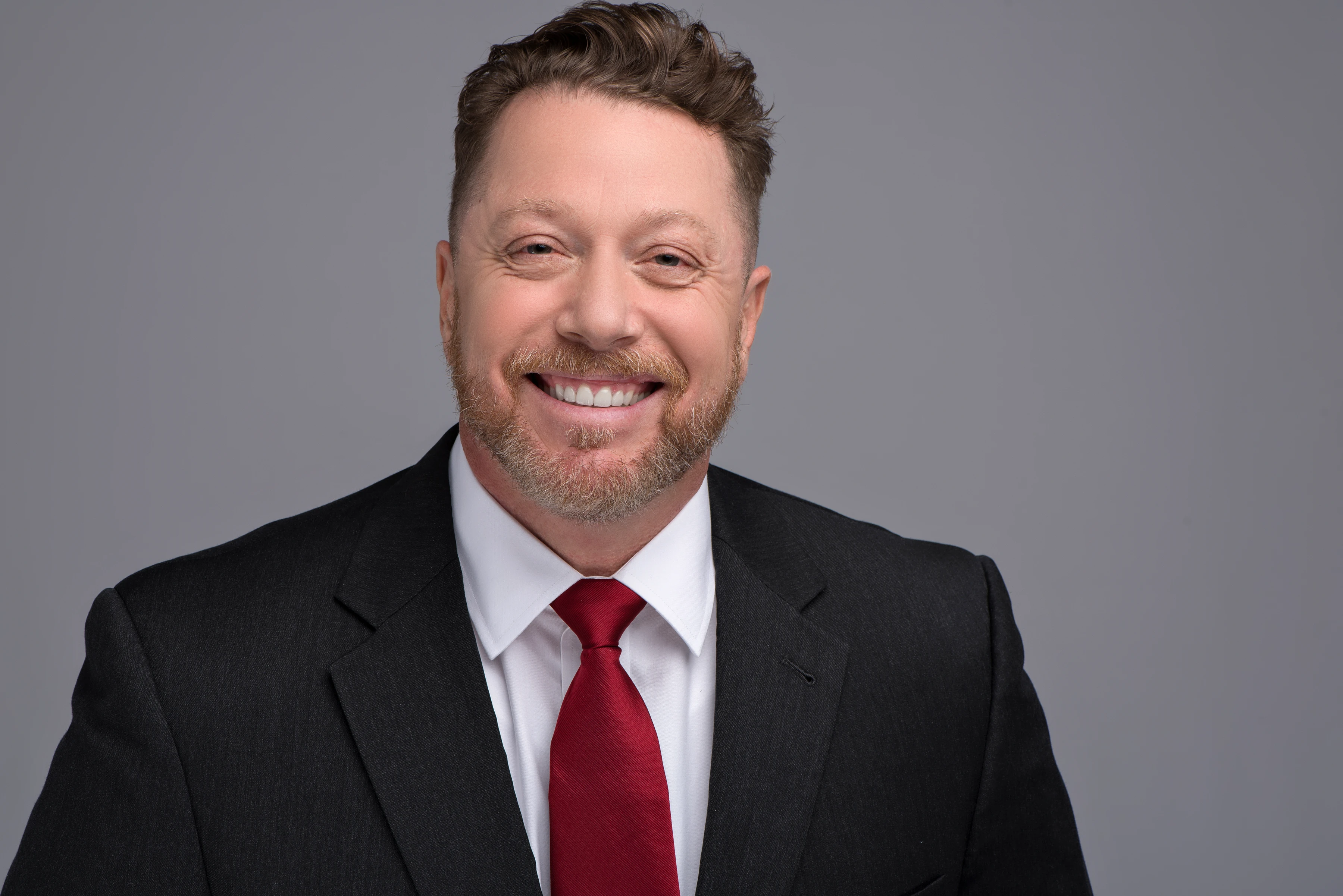
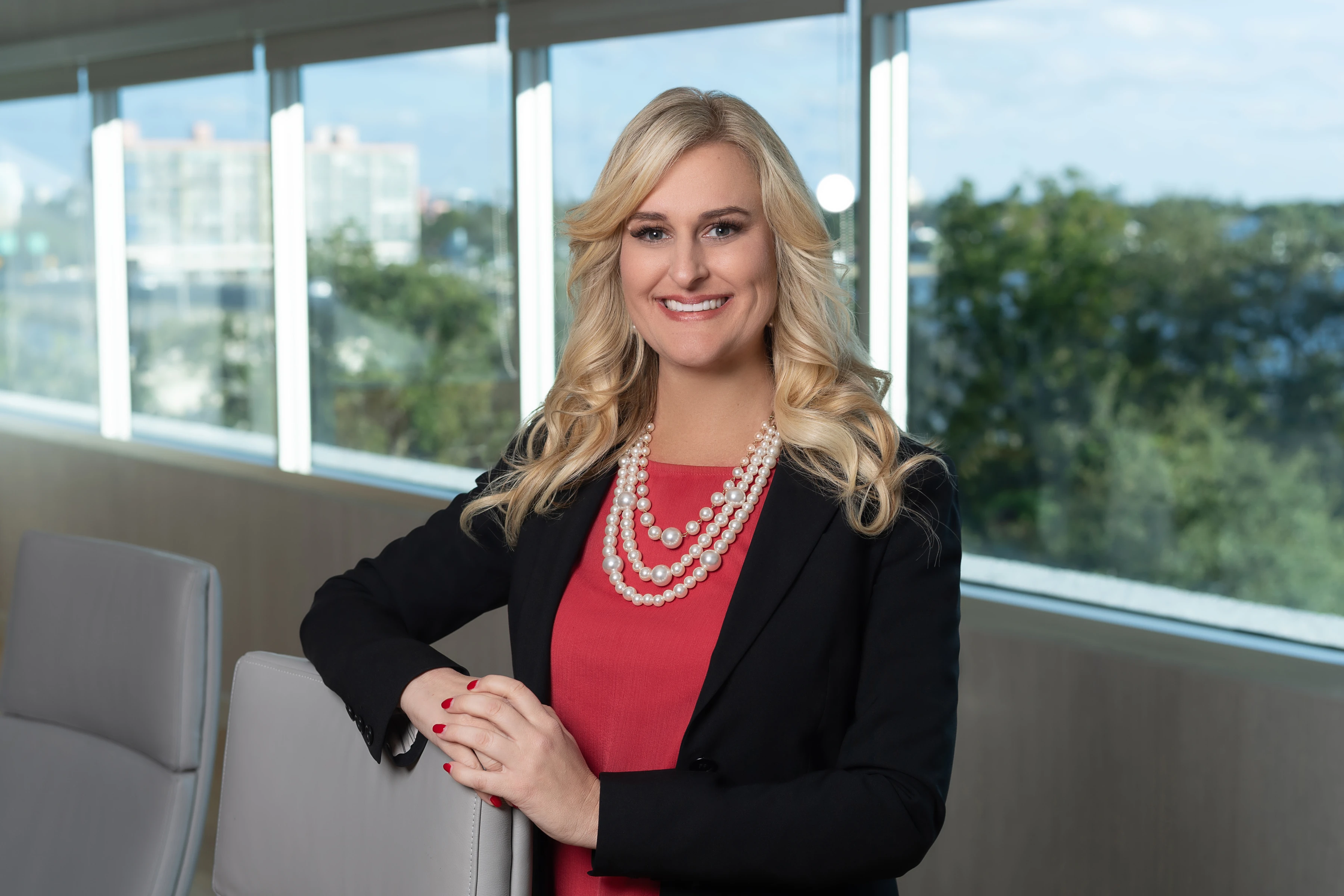
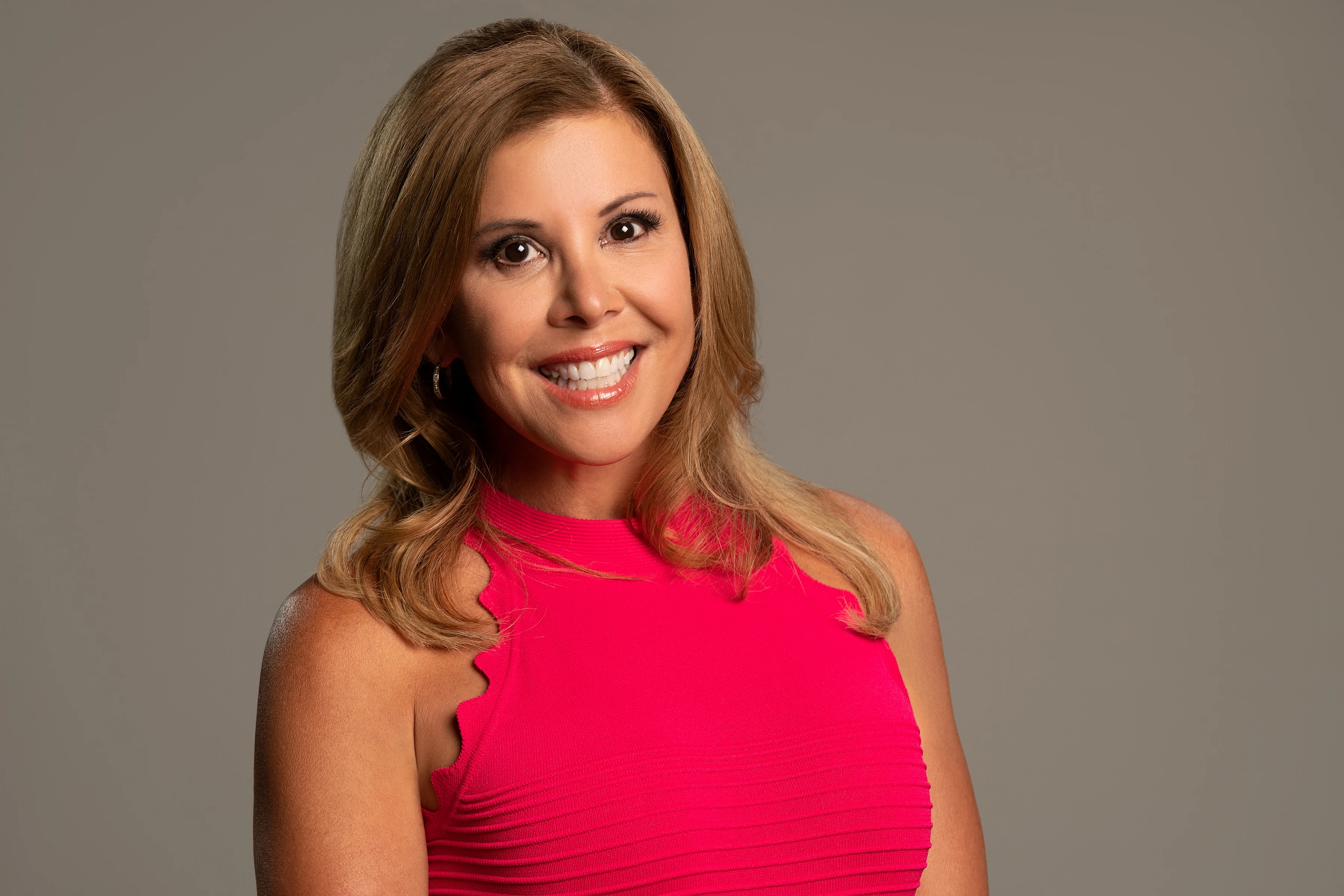
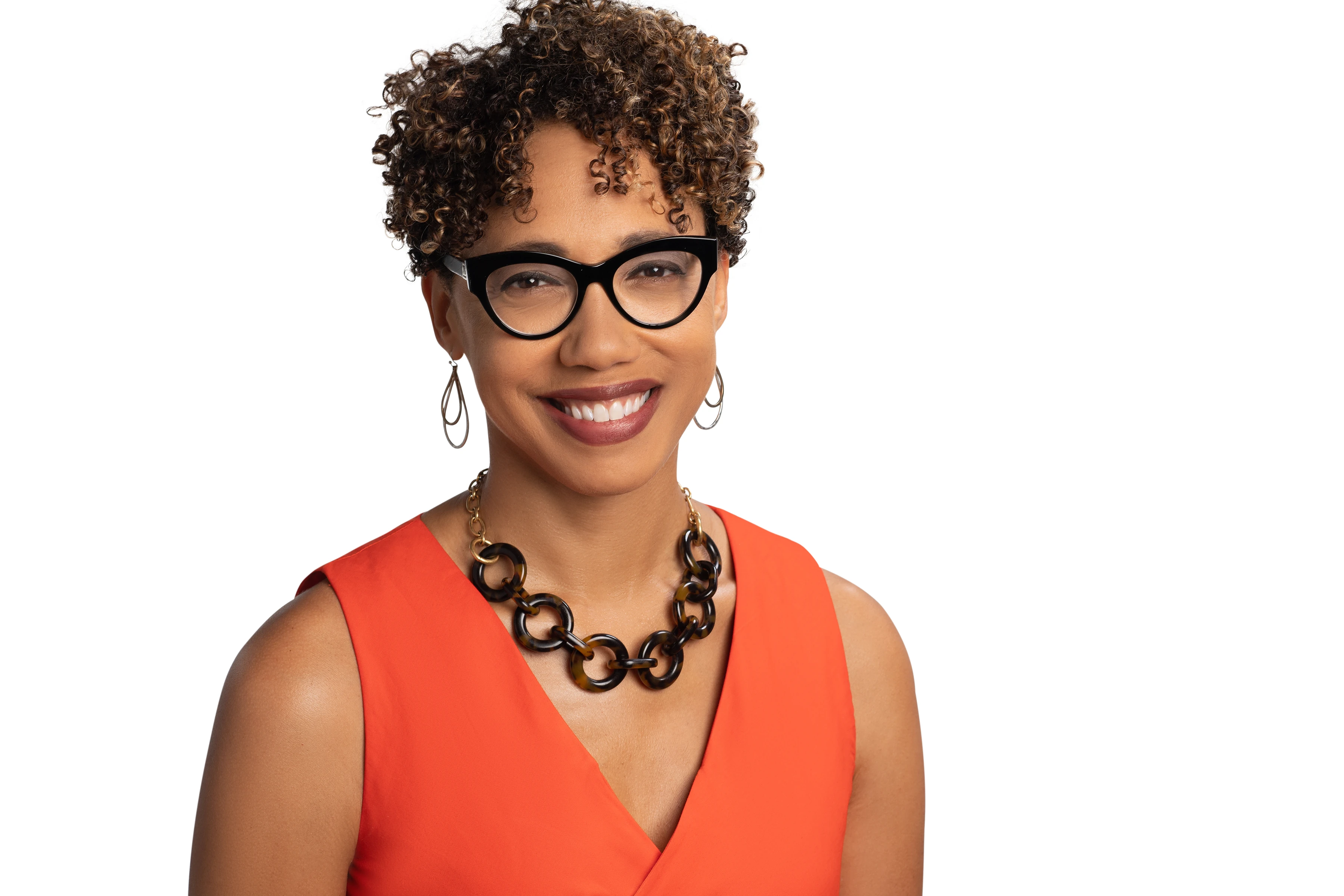
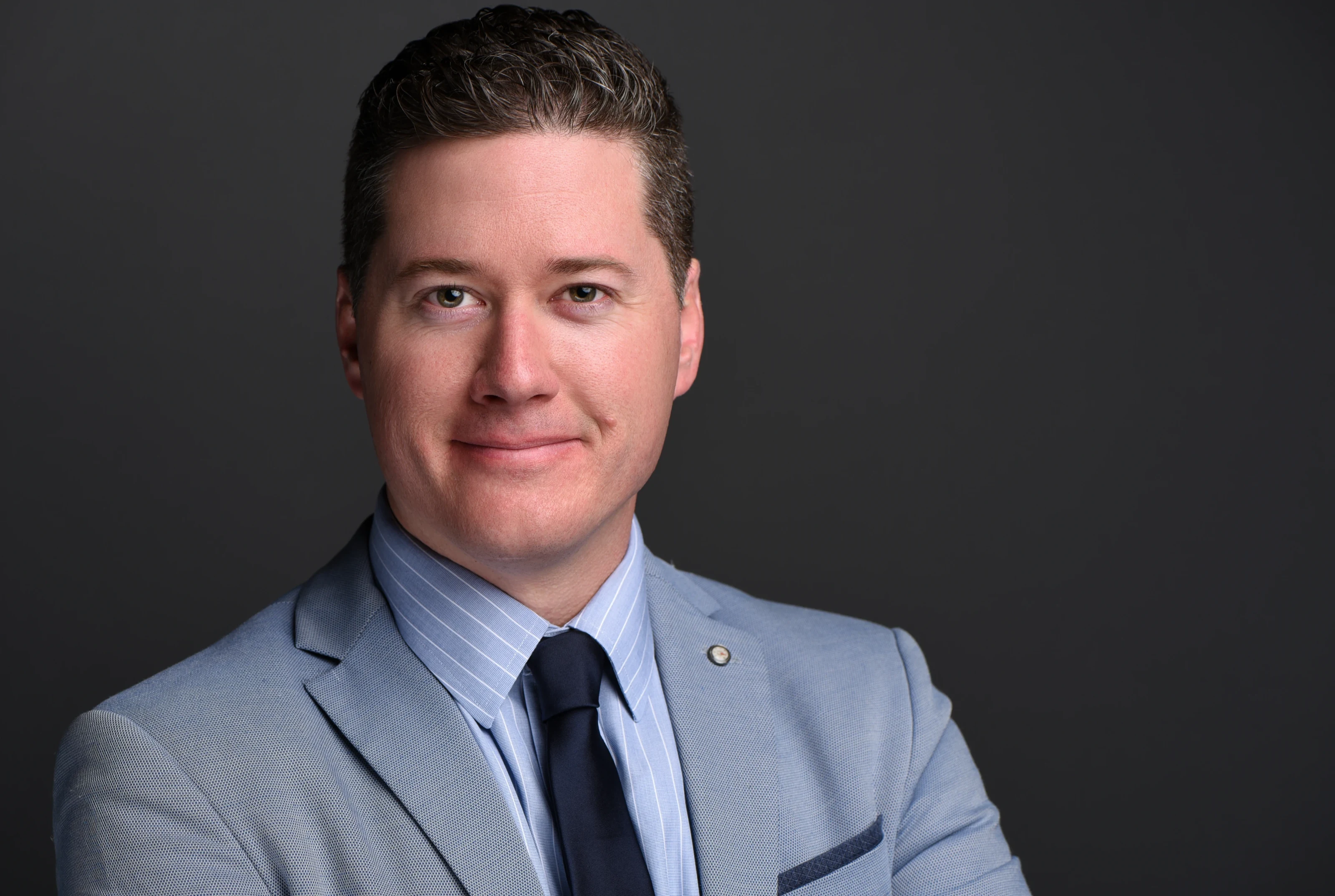
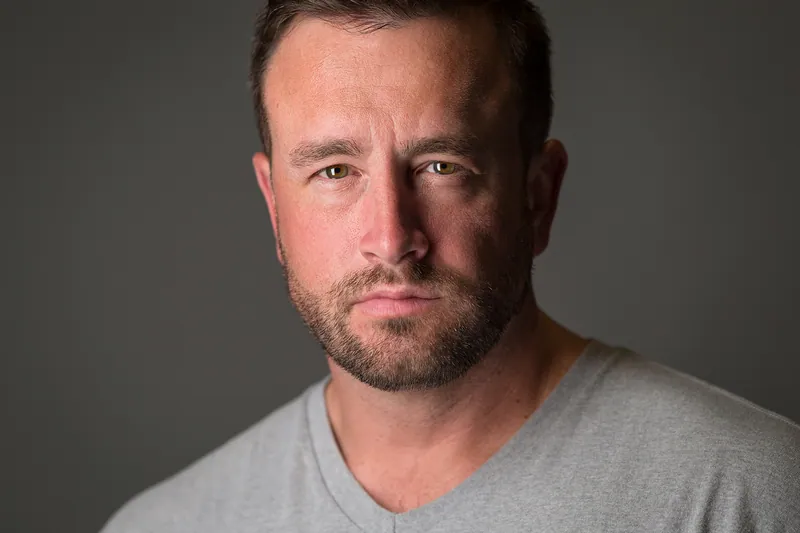
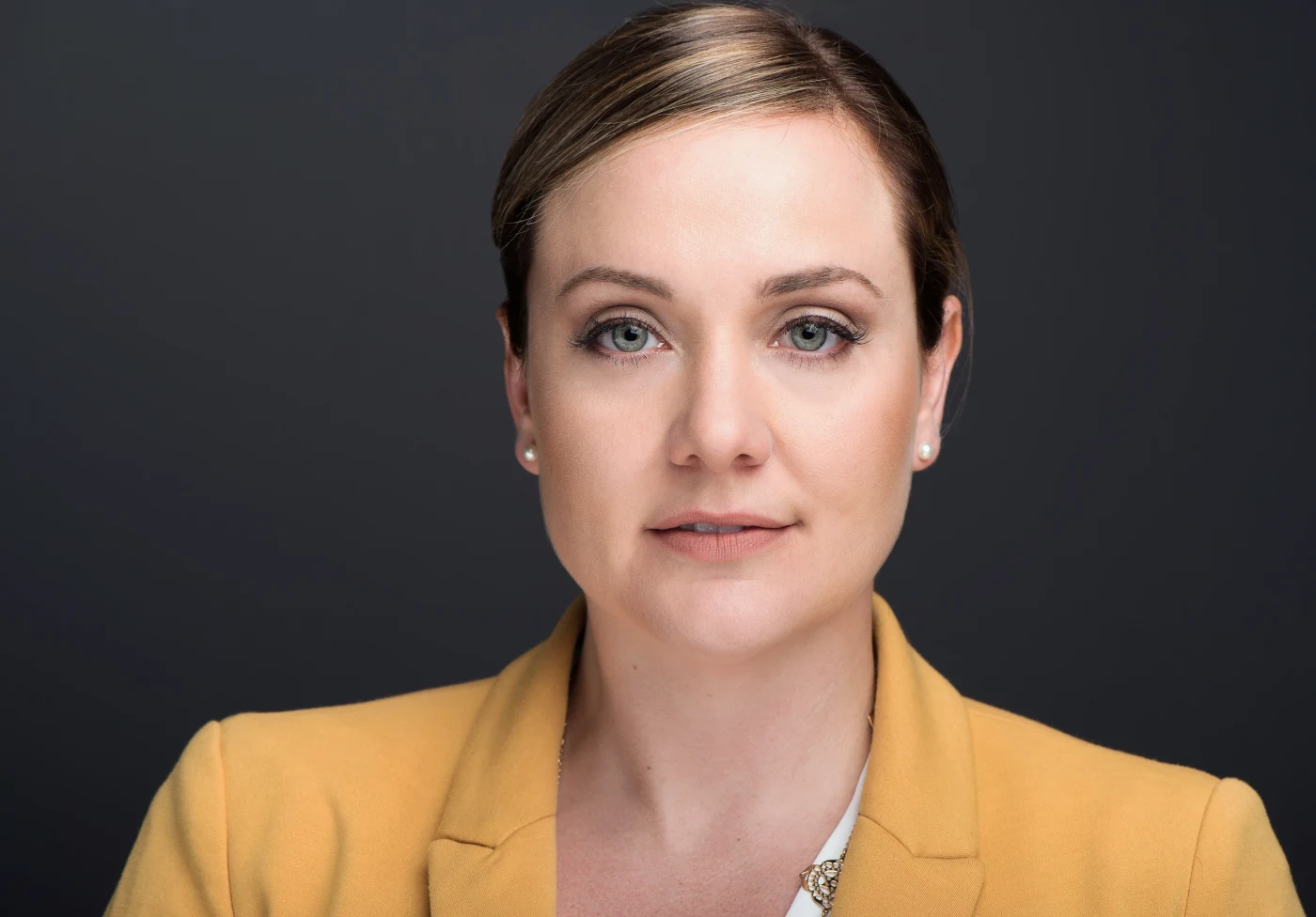
A strong LinkedIn headshot is tightly framed, evenly lit and shows a relaxed, confident expression with your eyes in sharp focus. Joe Sale photographs LinkedIn headshots in his Tampa Bay studio or at your office, shows you images live on screen, hand retouches favorites and delivers web ready files.
The Circle Crop Changes Everything
LinkedIn shows your profile photo as a circle, and most people see it at thumbnail size in comments, messages and search results. That means the corners of a rectangular photo disappear, and anything small, like a distant skyline or a busy office, turns into noise. Your face has to carry the image.
Joe frames LinkedIn sessions with that in mind. He leaves enough room above your head and around your shoulders that the platform's crop lands naturally, and he keeps your eyes roughly a third of the way down the frame. If you upload a tight, square crop with your face centered, the circle looks intentional instead of accidental.
Three framing mistakes Joe avoids
- Too wide: a waist up shot looks great on a website but leaves a tiny face in the circle.
- Too tight: cutting off the top of the head can feel aggressive at small sizes.
- Off center: a creative off center pose often clips an ear or shoulder once LinkedIn crops it.
Because he shoots with plenty of resolution, Joe can deliver a circle friendly crop and a looser version for your company bio from the same frame.
Thumbnail size also punishes low contrast. A gray jacket against a gray wall can look washed out in a feed, while a slightly darker backdrop behind lighter skin, or a lighter backdrop behind darker clothing, separates you instantly. Joe chooses backdrop tones with your wardrobe in mind so your outline stays clear even at the smallest size LinkedIn uses.
That attention to the crop is the main difference between a nice portrait and LinkedIn headshots Tampa professionals can use without fiddling with an editing app later.
A Checklist for LinkedIn Headshots Tampa Hiring Managers Trust
Recruiters and clients make quick judgments. They are not grading your photo like a portrait contest; they are asking if you look approachable, current and serious about your work. These are the points Joe checks during every session.
- Eyes sharp: focus lands on the nearest eye, every time.
- Even light: no harsh shadow under the nose or hot spots on the forehead.
- Current look: your hair, glasses and style as they are today, so you match the person who shows up to the interview.
- Clean background: plain or softly blurred, never distracting.
- Natural expression: a closed mouth smile and a slight squint often read as more confident than a big grin.
- Posture: shoulders angled slightly, chin forward and down a touch to define the jaw.
- Color: wardrobe that stands apart from the background so you do not blend in.
- Honest retouching: temporary blemishes removed, real skin texture kept.
- Consistency: the same image across LinkedIn, your email signature and your company site.
That last point matters more in a mid sized market like Tampa, where people cross paths at networking events. LinkedIn headshots Tampa contacts recognize in person build trust faster than a ten year old photo ever could.
One more check sits outside the camera: your headline and About section. A confident photo next to a vague headline sends mixed signals. Joe often hears clients say their new photo pushed them to finally rewrite the rest of their profile, and the two together make a much stronger first impression than either alone.
Studio, Office or Downtown: Where to Shoot in Tampa
Location shapes the mood of a headshot. Joe offers three main options, and the table below compares them for LinkedIn use.
| Setting | Look | Best for |
|---|---|---|
| Joe's studio | Controlled strobe light, solid or graduated backdrop | Job seekers, consultants, anyone wanting a classic profile photo |
| Your office (portable studio) | Studio quality light in your own conference room | Teams that need matching LinkedIn photos |
| Downtown or Riverwalk | Soft city background, natural light | Founders, creatives and personal brands |
For outdoor work, the Tampa Riverwalk and the Water Street area offer modern glass and greenery that blur nicely behind you. Joe uses longer lenses like the 85mm f/1.4 or the 70-200mm f/2.8 so the city becomes a hint of place rather than a postcard. More ideas are on the downtown Tampa and Riverwalk page.
Most job seekers still choose the studio. It removes weather from the equation, which is no small thing during a Tampa summer, and it gives the cleanest result for LinkedIn headshots Tampa recruiters will view at thumbnail size.
If you prefer a hint of your neighborhood, Joe can also photograph in Hyde Park, along Bayshore Boulevard or in Ybor City, where brick and old storefronts give creative fields some personality. Outdoor sessions are scheduled for early morning or the last hours of daylight to avoid harsh overhead sun.
Dressing for Your Field
The right wardrobe depends on who is looking at your profile. Joe sends guidance after your planning call, but here is the general approach he takes for the industries that fill Tampa's office towers and coworking spaces.
Finance, law and insurance
Westshore and downtown firms still lean traditional. A well fitted dark jacket, a light shirt or blouse and minimal jewelry read as steady and trustworthy. Bring two shirt colors so you can choose the one that suits the backdrop.
Tech, startups and marketing
Smart casual works here. A quality knit, an unstructured blazer or a simple solid top keeps things modern. Avoid tiny patterns, which can shimmer on screens.
Healthcare and wellness
Clinicians often want two looks: one in a white coat or scrubs and one in business wear for conference bios. Joe can switch backdrops between them in minutes.
Real estate and sales
You are the brand, so warmth matters. Color near the face, like a rich blue or green, helps your photo pop on listing sites and LinkedIn alike.
Across every field, steer clear of large logos, very bright white near the face and anything you need to keep adjusting. If you are building a broader personal brand, the headshots and personal branding service adds lifestyle frames to the classic profile shot.
Grooming is the quiet half of wardrobe. A haircut a week before the session settles better than one the day before, and pressed clothing photographs far better than a shirt pulled from a suitcase. Joe keeps a lint roller and clips in the studio, but arriving ready saves time for more expressions and more choices in your gallery.
Good local references while you plan: the City of Tampa website covers parks, public spaces and event calendars in Tampa, and Joe watches the National Weather Service Tampa Bay forecast to time outdoor sessions around summer storms and the best light.
Coaching an Expression You Can Live With
Most people dread headshots because they do not know what to do with their face. Joe solves that with direction and feedback rather than a countdown. During the session, images appear on a screen as he shoots, so you see exactly what LinkedIn will see.
He works in short rounds. A few frames, a quick look together, a small adjustment to your chin or shoulders, and then another round. Within a few minutes most clients stop thinking about the camera and start reacting to the conversation, which is when the best expressions show up.
- Joe may ask you to think about explaining your job to a friend, which tends to produce an engaged, friendly look.
- He watches for tension in the jaw and forehead and will tell you when to let it go.
- He varies the smile from subtle to full so you can pick the tone that fits your industry.
Because you choose favorites while you are still in the room, there is no guessing about whether the session worked. That live review is one of the biggest reasons clients come back when they change jobs.
Glasses get special attention. Joe adjusts the angle of the light and sometimes the tilt of the frames so reflections do not hide your eyes, a common problem in quick office snapshots. If you wear glasses every day, wear them for your LinkedIn photo too, so people recognize you on a video call.
Nervous clients are normal. Many of the best LinkedIn headshots Tampa job seekers end up using come from the last ten minutes of a session, after the small talk has done its work.
He also watches posture between rounds. Tampa professionals who spend long days at a laptop often roll their shoulders forward without noticing, and a gentle reminder to lift through the chest changes the whole frame.
LinkedIn Headshots Tampa Teams Can Match
A company page full of mismatched photos, some cropped from vacation shots and some from a decade ago, quietly signals disorder. When a whole department updates together, the team looks unified in search results and on the company website.
Joe brings a portable studio to Tampa offices and sets it up once, with lighting, backdrop and camera height locked. Each person steps in for a short session, checks a few frames on screen and gets back to work. Because the setup never changes, LinkedIn headshots Tampa teams receive look like they were taken on the same day, because they were.
Planning a team day
- Book a room with space for a backdrop and a few steps of distance.
- Share a simple wardrobe note with staff a week ahead.
- Build a sign up list so people arrive in a steady flow.
- Plan a catch up session for anyone who is traveling.
Executive and board headshots can happen on the same visit with a slightly different look. Learn more on the corporate and team portraits page or the dedicated corporate headshots in Tampa guide.
Teams spread across Westshore, downtown and remote homes can also send people to the studio individually. Joe matches lighting to the office set so late hires blend in with everyone else on the company page. That small detail keeps LinkedIn headshots Tampa companies publish consistent long after the original team day.
Making the Most of Your Final Files
After the session, Joe hand retouches your selected images and delivers them in a private online gallery, sized for web, social and print. For LinkedIn, upload the square crop he prepares so the circle frames you cleanly, and use the highest quality file the platform accepts.
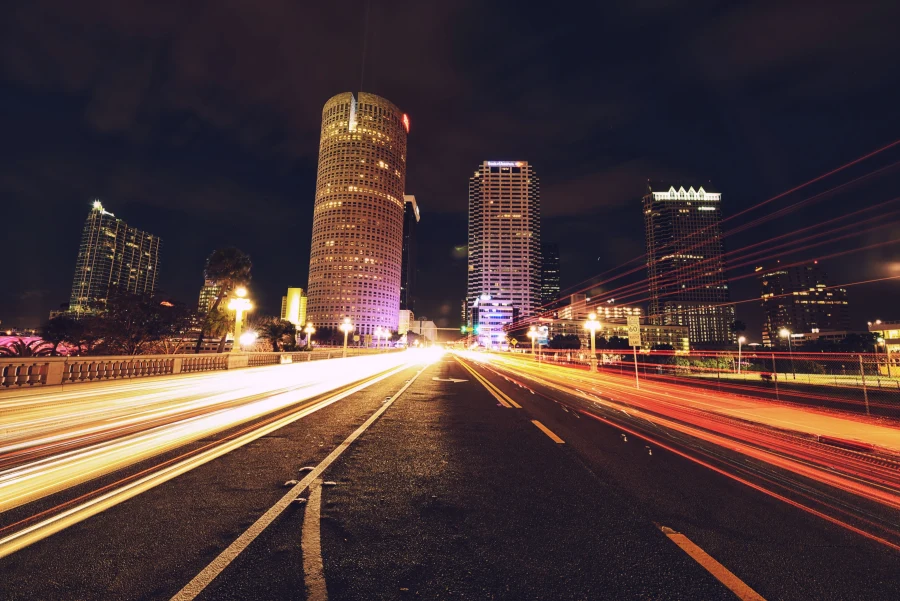
Your profile banner is a second chance to tell your story. LinkedIn's banner is a wide, short rectangle, so a horizontal image works best. Some clients use a wider frame from their session; others pair their headshot with a Tampa image, like a skyline at blue hour from Joe's Tampa skyline collection, to signal where they work.
Where else to use your headshot
- Email signature and calendar invites
- Speaker bios for conferences and panels
- Company website team page
- Professional association directories
- Video call profile pictures
Refresh your photo whenever your look changes in a noticeable way, such as a new haircut, glasses or a career shift. People should recognize you the moment you walk into a meeting.
Keep the full resolution files somewhere safe, like a shared drive, so you are not hunting for them the next time an event organizer asks for a bio photo. Joe's gallery makes it easy to download the right size for each use, and print sized files are there if you need one for a lobby display or a printed program.
If you run a company page, ask Joe for a few wider frames of the team at work during the same visit. Posts with real people from your office tend to feel more personal than stock images, and they give LinkedIn headshots Tampa staff already share a natural companion in the feed.
The Technical Side of LinkedIn Headshots Tampa Clients Book
Joe's studio headshots typically run around f/9 at 1/125s and ISO 100 under strobes. That aperture keeps your face sharp from the tip of your nose to your ears, which matters when the image is viewed small and any softness looks like a mistake. Low ISO keeps skin tones clean.
For lenses, he often reaches for the 85mm f/1.4 or the 105mm f/2.8. Both let him stand a comfortable distance away, which flattens facial features in a flattering way and avoids the distortion that comes from a phone held at arm's length. He shoots on professional Nikon bodies, including the D5, D6 and D750.
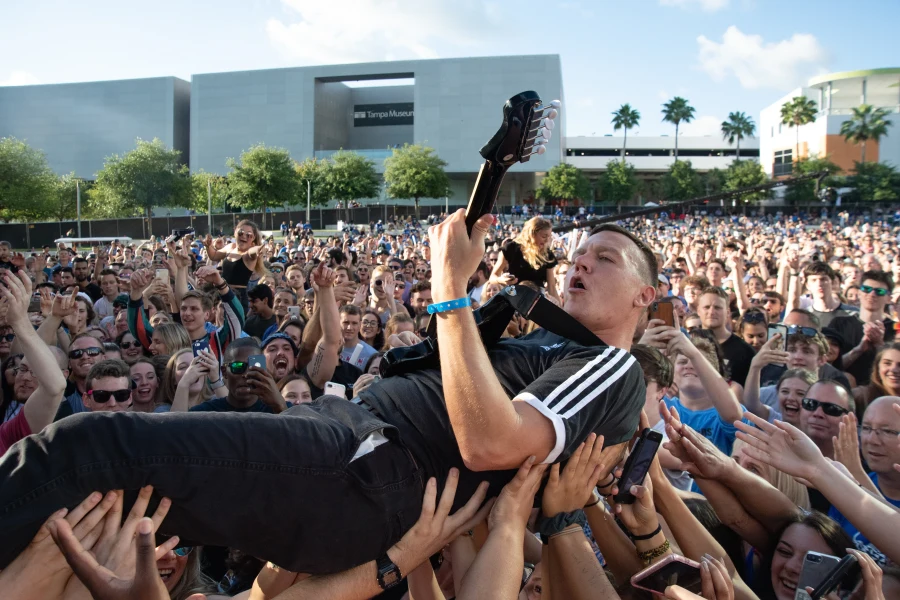
The craft carries over from the rest of his work. The same eye that handles fashion and beauty lighting and fast moving concert stages makes a quiet LinkedIn session feel easy. You can browse examples in Joe's portfolio, see the citywide Tampa photographer page, or compare with the broader headshot photographer in Tampa guide before you book.
Joe also handles the bigger picture when a business needs more than profile photos. Offices, products and staff at work can be covered through brand and commercial photography, which pairs well with a team headshot day so the company page and website share one visual style.
In the end, LinkedIn headshots Tampa professionals are proud of come from preparation, patient direction and careful light. The camera matters less than the conversation, and that conversation starts with a quick text or a request on the booking page.
Linkedin Headshots Tampa: Frequently Asked Questions
What makes a good LinkedIn profile picture?
A good LinkedIn photo shows your face clearly at small sizes, with sharp eyes, even lighting, a simple background and an expression that looks approachable and confident. It should be current and framed so the platform's circle crop sits naturally around your head and shoulders. Joe plans every LinkedIn session around that crop.
Should my LinkedIn headshot be in a studio or outdoors?
Both can work. A studio gives the most consistent, polished result and avoids Tampa heat and storms. Outdoor headshots along the Riverwalk or downtown suit founders and creatives who want a sense of place. Joe can help you choose on the planning call based on your industry and goals.
How long does a LinkedIn headshot session take?
Individual sessions are relaxed but focused, with time for a couple of outfits and several rounds of live review. Team sessions with Joe's portable studio move quickly per person, since the lighting is set once. Joe confirms timing for your specific plan when you book. Arrive a few minutes early so you can settle in and check your clothing before the first frame.
Can I get LinkedIn headshots for my whole Tampa team at our office?
Yes. Joe brings a portable studio to your office, sets consistent lighting and backdrop, and photographs each person in turn with on screen review. The result is a matching set of LinkedIn headshots for the company page, website and staff profiles without anyone leaving the building.
Are LinkedIn headshots Tampa photographers deliver retouched?
Joe hand retouches the images you select, removing temporary blemishes, stray hairs and small distractions while keeping natural skin texture. The goal is the version of you people will meet in person. Final files arrive in a private online gallery sized for LinkedIn, other web uses and print.
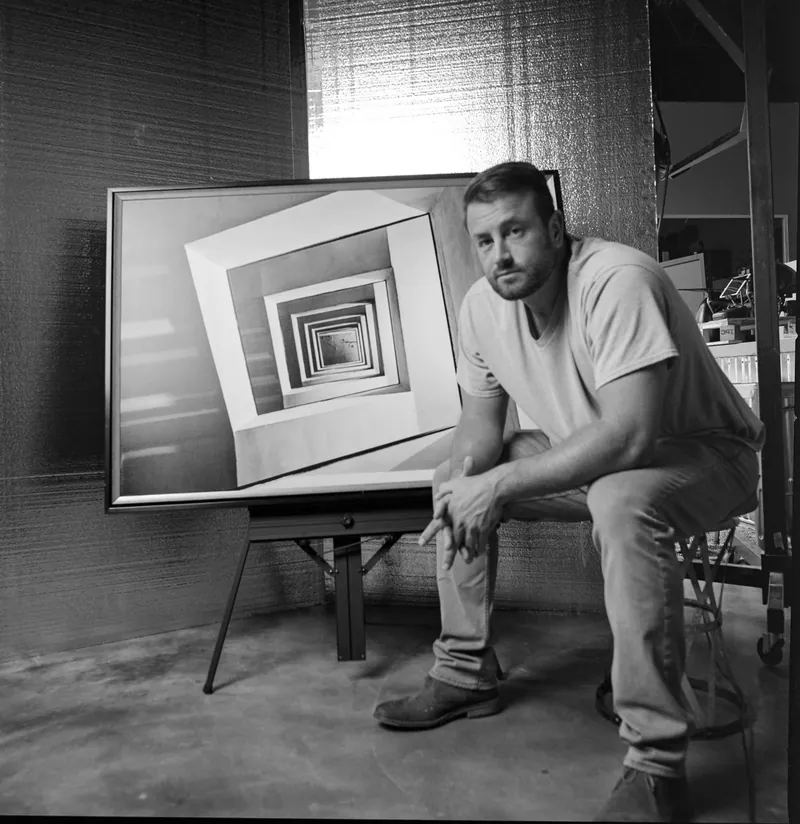
About Joe SaleJoe is a Tampa Bay photographer and fine artist who shoots portraits, live music, brands and the city itself. See more on the about page, browse the portfolio or book a shoot.